Emmet for HTML: A Beginner’s Guide to Writing Faster Markup

A Beginner’s Guide to Writing Faster Markup
Writing HTML is simple, but it can feel slow and repetitive, especially for beginners.
This is where Emmet helps.
Emmet lets you write short shortcuts that automatically expand into full HTML code.
This article explains what Emmet is, why it is useful, and how to use it confidently.
1️⃣ What Is Emmet? (Very Simple Terms)
Emmet is a tool built into most code editors that helps you write HTML faster.
Instead of typing full HTML tags, you write short abbreviations, and Emmet expands them for you.
Example:
You type:
p
You press Tab (or Enter), and Emmet expands it to:
<p></p>
Emmet = shorthand for HTML
2️⃣ Why Emmet Is Useful for HTML Beginners
Beginners often struggle with:
Writing correct tags
Closing tags properly
Creating nested structures
Repeating similar elements
Emmet helps by:
Reducing typing
Preventing syntax mistakes
Making HTML structure clear
Saving time and effort
You focus on structure, not typing.
3️⃣ How Emmet Works Inside Code Editors
Emmet is already built in to editors like:
VS Code
Sublime Text
Atom
WebStorm
You don’t need to install anything.
How It Works
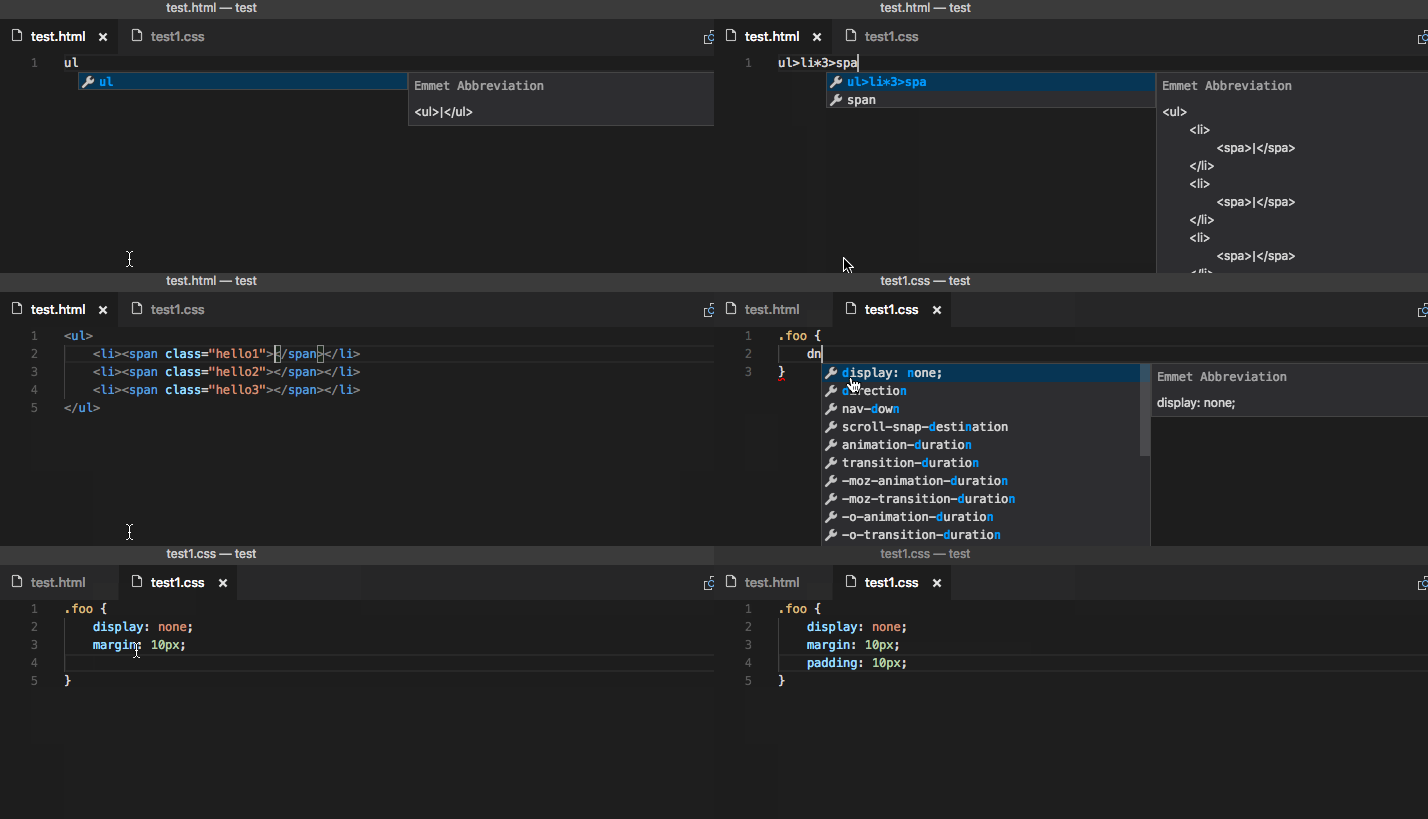
You type an Emmet abbreviation
You press Tab
Editor expands it into HTML

4️⃣ Basic Emmet Syntax and Abbreviations
Emmet uses simple symbols.
| Symbol | Meaning |
div | Element |
. | Class |
# | ID |
> | Child |
* | Repeat |
+ | Sibling |
Don’t memorize everything.
Learn by using them slowly.
5️⃣ Creating HTML Elements Using Emmet
Example
h1
Expands to:
<h1></h1>
div
Expands to:
<div></div>
This works for any HTML tag.
6️⃣ Adding Classes, IDs, and Attributes
Adding a Class
div.card
Expands to:
<div class="card"></div>
Adding an ID
div#header
Expands to:
<div id="header"></div>
Adding Attributes
img[src="image.jpg" alt="photo"]
Expands to:
<img src="image.jpg" alt="photo">
Emmet makes attributes easy and readable.
7️⃣ Creating Nested Elements
HTML often has elements inside elements.
Emmet uses > to show nesting.
Example
div>p
Expands to:
<div>
  <p></p>
</div>
More Nested Example
div>ul>li
Expands to:
<div>
  <ul>
    <li></li>
  </ul>
</div>


8️⃣ Repeating Elements Using Multiplication
You often need multiple similar elements.
Emmet uses * for repetition.
Example
li*3
Expands to:
<li></li>
<li></li>
<li></li>
Combined Example
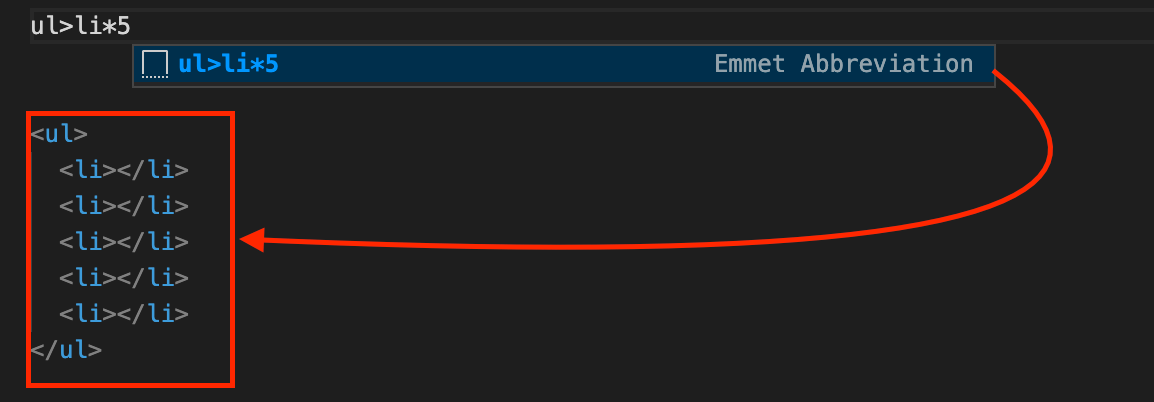
ul>li*4
Expands to:
<ul>
  <li></li>
  <li></li>
  <li></li>
  <li></li>
</ul>

9️⃣ Generating Full HTML Boilerplate with Emmet
This is one of the most useful features.
Type:
!
Press Tab
Emmet generates:
<!DOCTYPE html>
<html lang="en">
<head>
  <meta charset="UTF-8">
  <meta name="viewport" content="width=device-width, initial-scale=1.0">
  <title>Document</title>
</head>
<body>

</body>
</html>
This saves a lot of time when starting a new project.
🔟 Emmet Abbreviation → HTML Expansion Flow
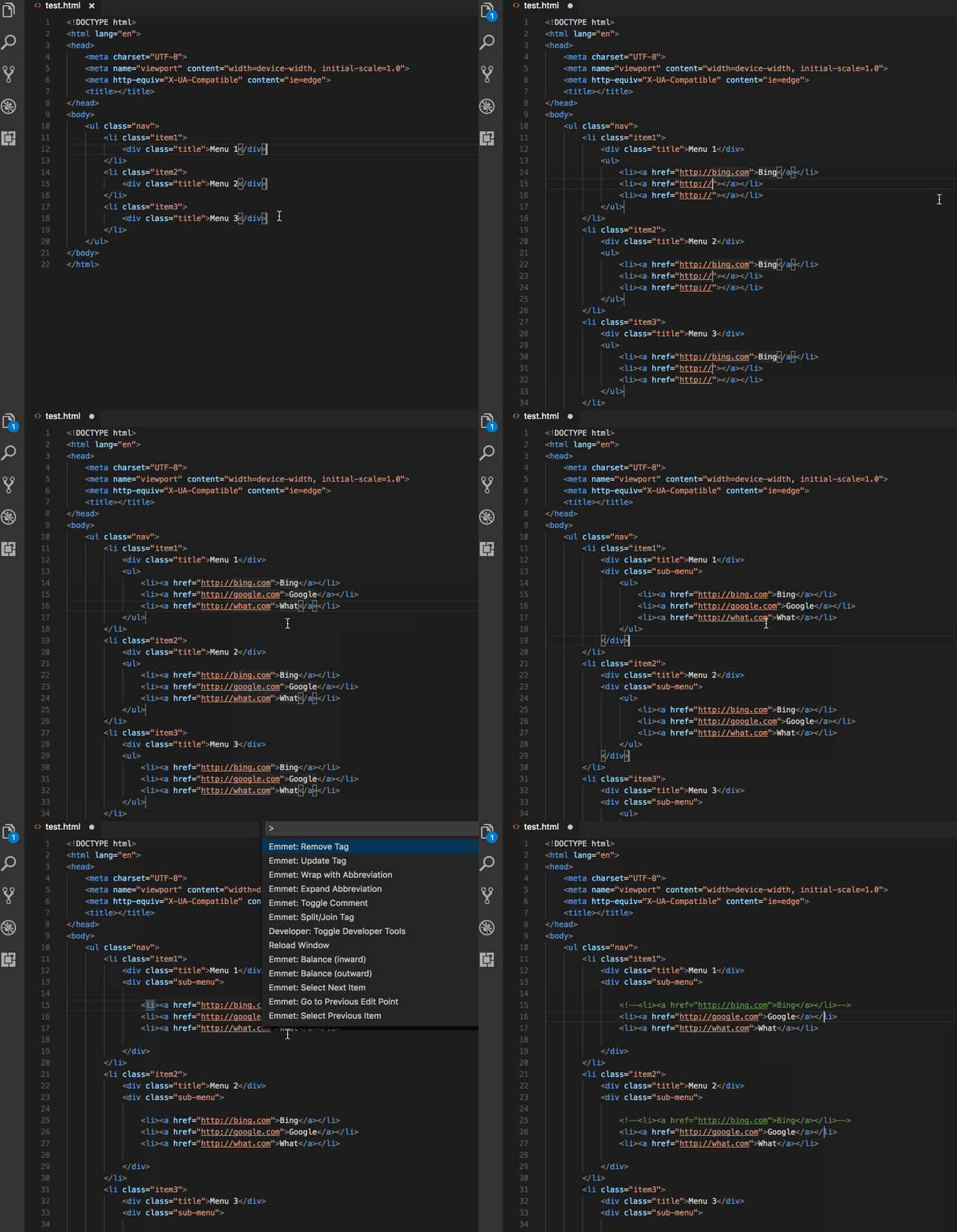

This diagram shows:
Short code
Expansion
Final HTML output
Final Summary (Easy Words)
Emmet helps you write HTML faster
You type shortcuts, Emmet writes full HTML
Classes, IDs, nesting, repetition become easy
Emmet is built into most editors
Perfect tool for beginners
Emmet doesn’t replace HTML knowledge — it speeds it up.
Why You Should Start Using Emmet Early
If you use Emmet from the beginning:
HTML feels less boring
Structure becomes clearer
You write cleaner markup
You save time daily
Even professional developers use Emmet every day.


