CSS Selectors 101: Targeting Elements with Precision

Targeting Elements with Precision
CSS is used to style HTML.
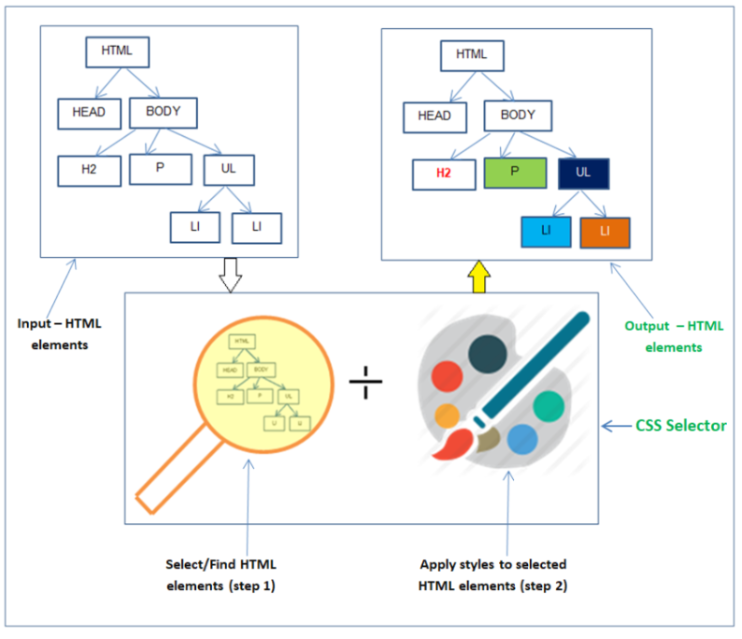
But before styling anything, the browser needs to know which HTML elements you want to style.
That is the job of CSS selectors.
This article explains:
Why selectors are needed
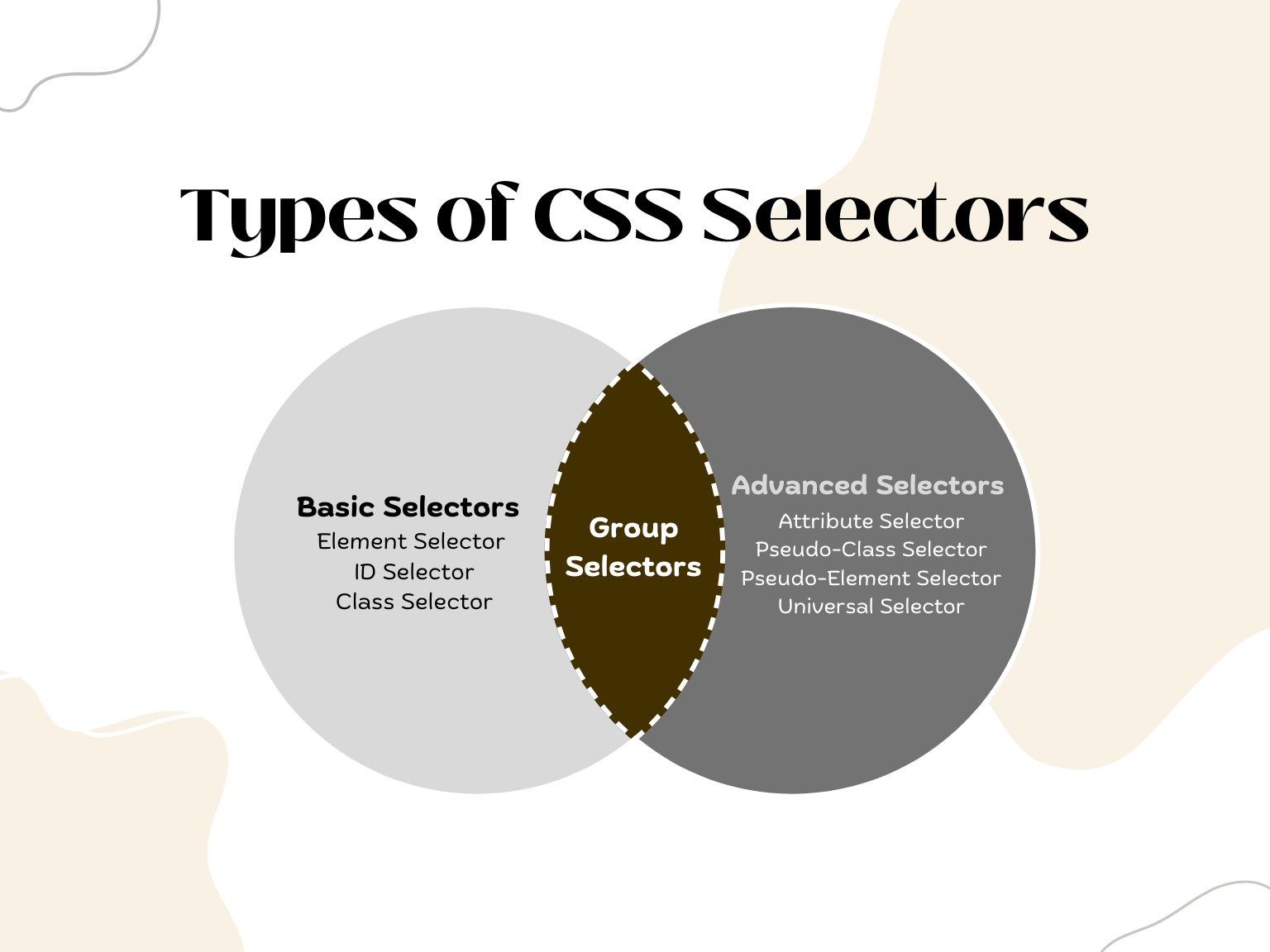
The most common selector types
How selectors work together
A very basic idea of selector priority
1️⃣ Why CSS Selectors Are Needed
HTML gives structure.
CSS gives style.
But CSS must answer one important question:
Which element should this style apply to?
That is why selectors exist.
Example:
p {
  color: blue;
}
Here:
pis the selectorIt tells CSS to target all
<p>elements
Without selectors:
CSS would not know where to apply styles
Styling would be impossible
2️⃣ Element Selector
The element selector targets HTML tags directly.
Example
p {
  color: red;
}
This applies to:
<p>This text becomes red</p>
Key Points
Targets all elements of that type
Very simple
Used for global styling
3️⃣ Class Selector
A class selector targets elements with a specific class attribute.
Class selectors start with a dot (.).
Example
.card {
  border: 1px solid black;
}
HTML:
<div class="card">Box</div>
<p class="card">Text</p>
Both elements get styled.
Key Points
Reusable
Can be used on many elements
Most commonly used selector in real projects

4️⃣ ID Selector
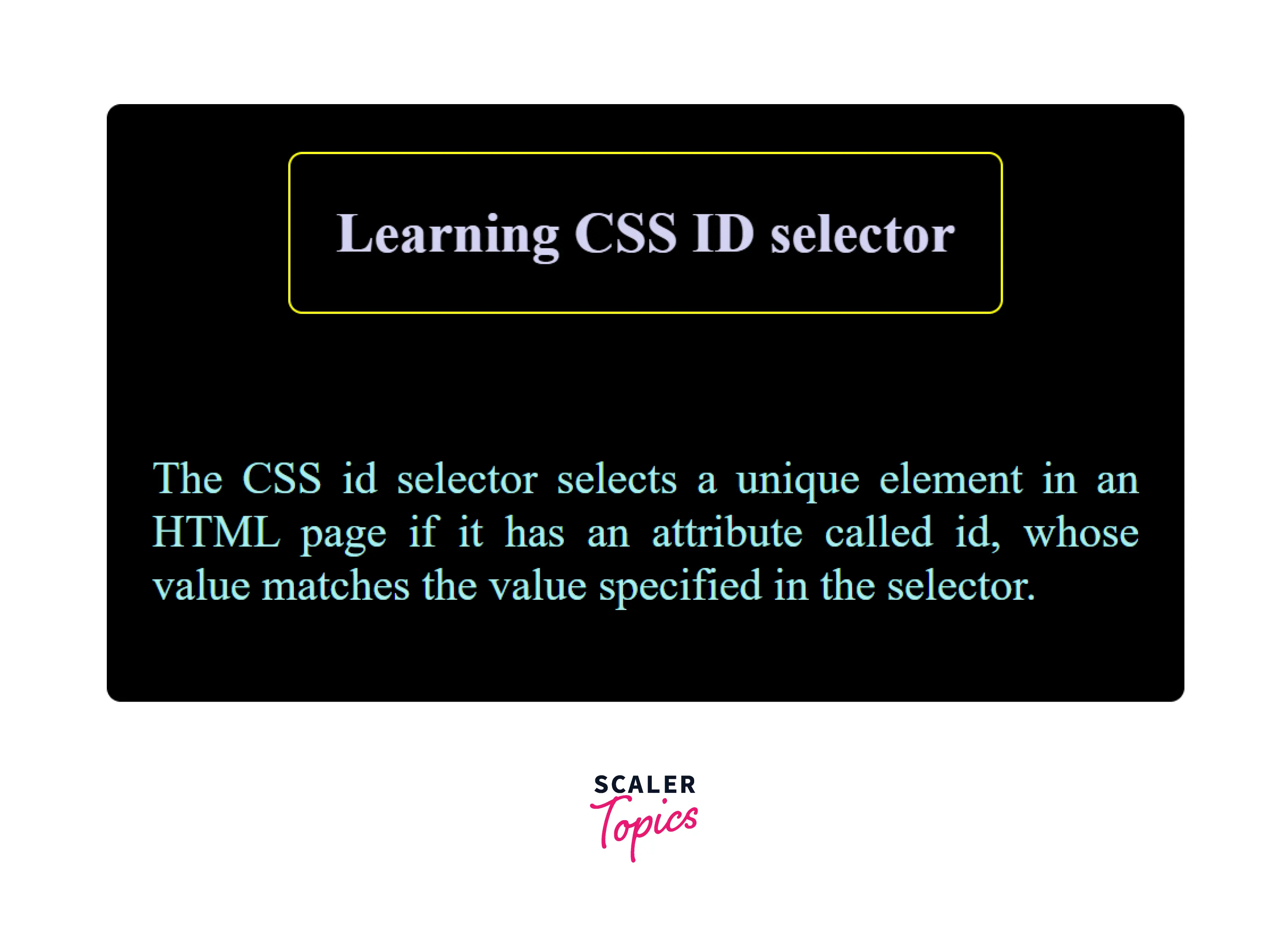
An ID selector targets an element with a specific id.
ID selectors start with a hash (#).
Example
#header {
  background-color: gray;
}
HTML:
<div id="header">Header</div>
Important Rules
IDs should be unique
Used for one specific element
5️⃣ Class vs ID (When to Use What)
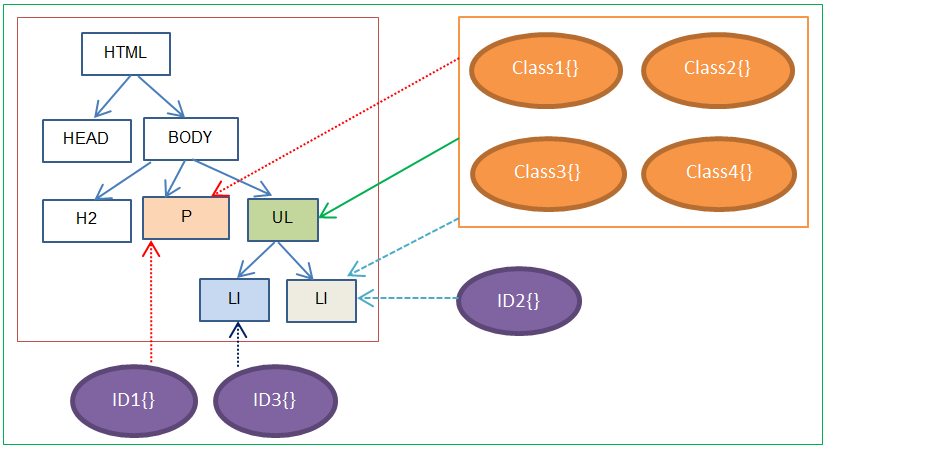
Simple Rule
Class → reusable styling
ID → unique element
In real projects:
Classes are used much more than IDs
IDs are often used for JavaScript hooks
6️⃣ Group Selectors
Group selectors allow you to apply the same style to multiple selectors.
Example
h1, h2, p {
  font-family: Arial;
}
This applies to:
all
<h1>all
<h2>all
<p>
Why Use Grouping?
Less repeated code
Cleaner CSS
7️⃣ Descendant Selectors
Descendant selectors target elements inside other elements.
Example
div p {
  color: green;
}
This means:
Style
<p>elements that are inside a<div>
HTML:
<div>
  <p>This is green</p>
</div>

<p>This is not green</p>

8️⃣ Selector Targeting Flow (How CSS Decides)
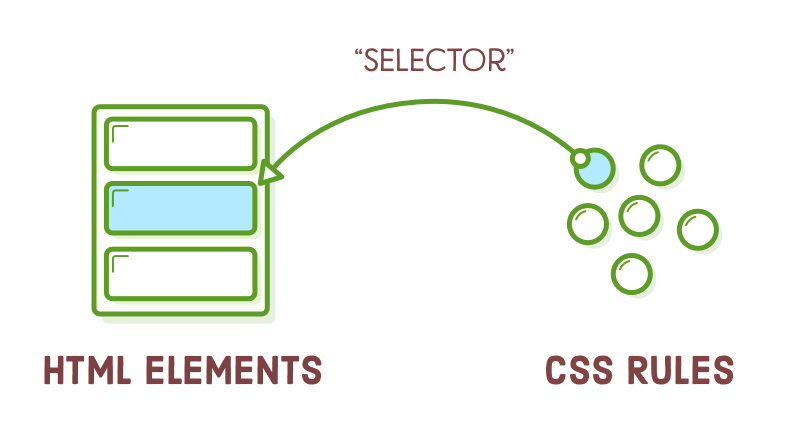
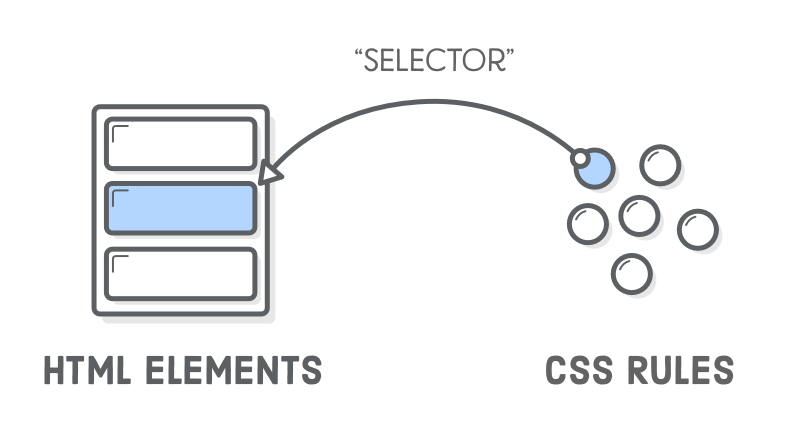
The browser:
Reads CSS
Matches selectors to elements
Applies styles to matched elements
Selectors are simply rules for matching.
9️⃣ Basic Selector Priority (Very High Level)
Sometimes multiple selectors target the same element.
Example:
p {
  color: blue;
}

.text {
  color: red;
}
HTML:
<p class="text">Hello</p>
Result:
- Text becomes red
Why?
Very Simple Priority Rule
ID > Class > Element
That’s enough to remember at this stage.
You don’t need the full specificity formula yet.


